

Prerequisites
1
An Oracle connection with MCP enabled
In Settings → Oracle Connections, flip the MCP toggle on the connection you want to expose.
2
Your MCP URL
ORCA shows your MCP URL in the app (it looks like
https://<your-orca-host>/api/mcp). There’s no token in the URL — you authenticate by signing in to ORCA.Claude Desktop
1
Open Claude settings
In Claude Desktop, open Settings.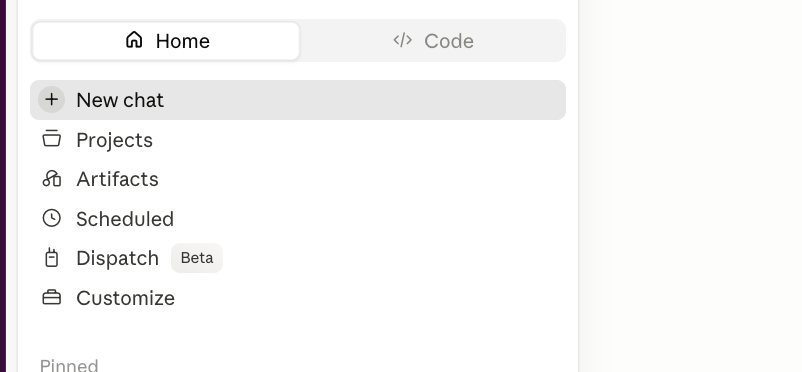
2
Go to Connectors
Select the Connectors section.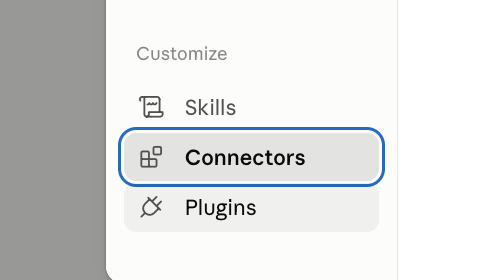
3
Add a custom connector
Click Add custom connector.
4
Name it and paste the URL, then Add & connect
Give it any name you like — ORCA works well (the name is just a local label). Paste your MCP URL, click Add, then Connect.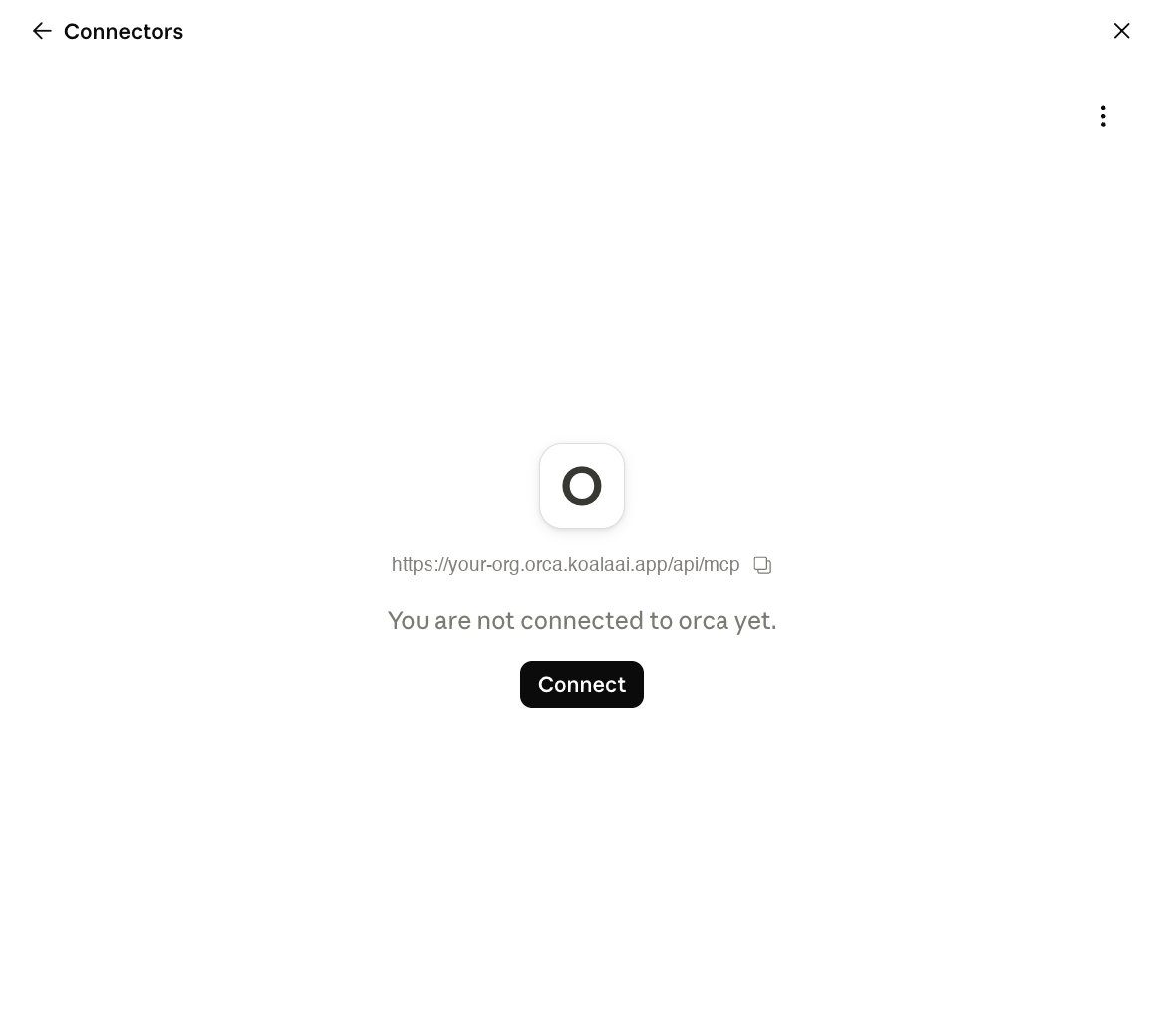
5
Sign in to ORCA & approve a connection
Claude opens your browser. Sign in to ORCA, then pick the Oracle connection to grant and click Approve. Your Oracle credentials never leave ORCA — Claude only receives a short-lived, scoped token.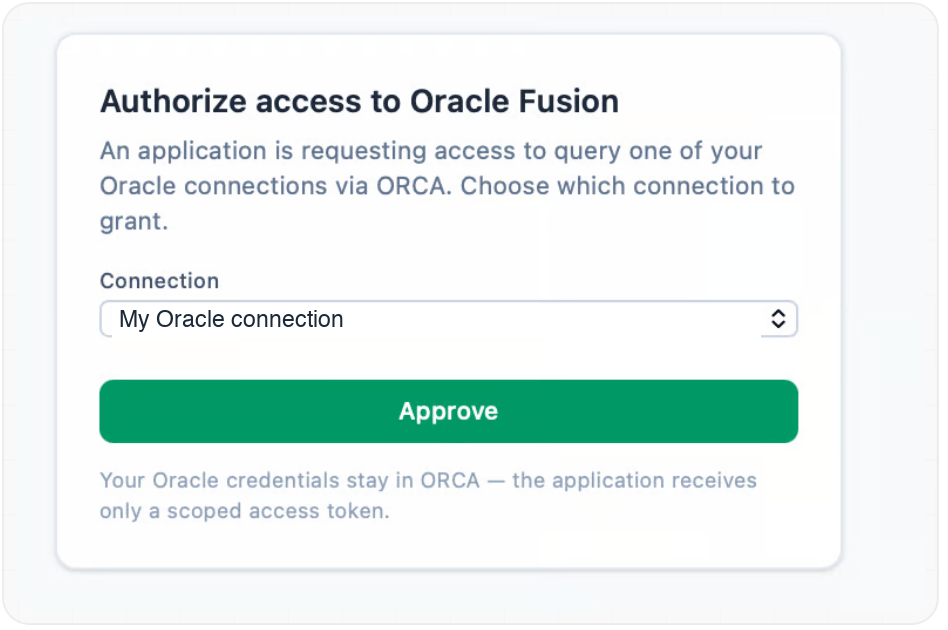
6
Allow the tools
Approve the tool permissions (Always allow for all tools is fine). Done — ask away in any chat.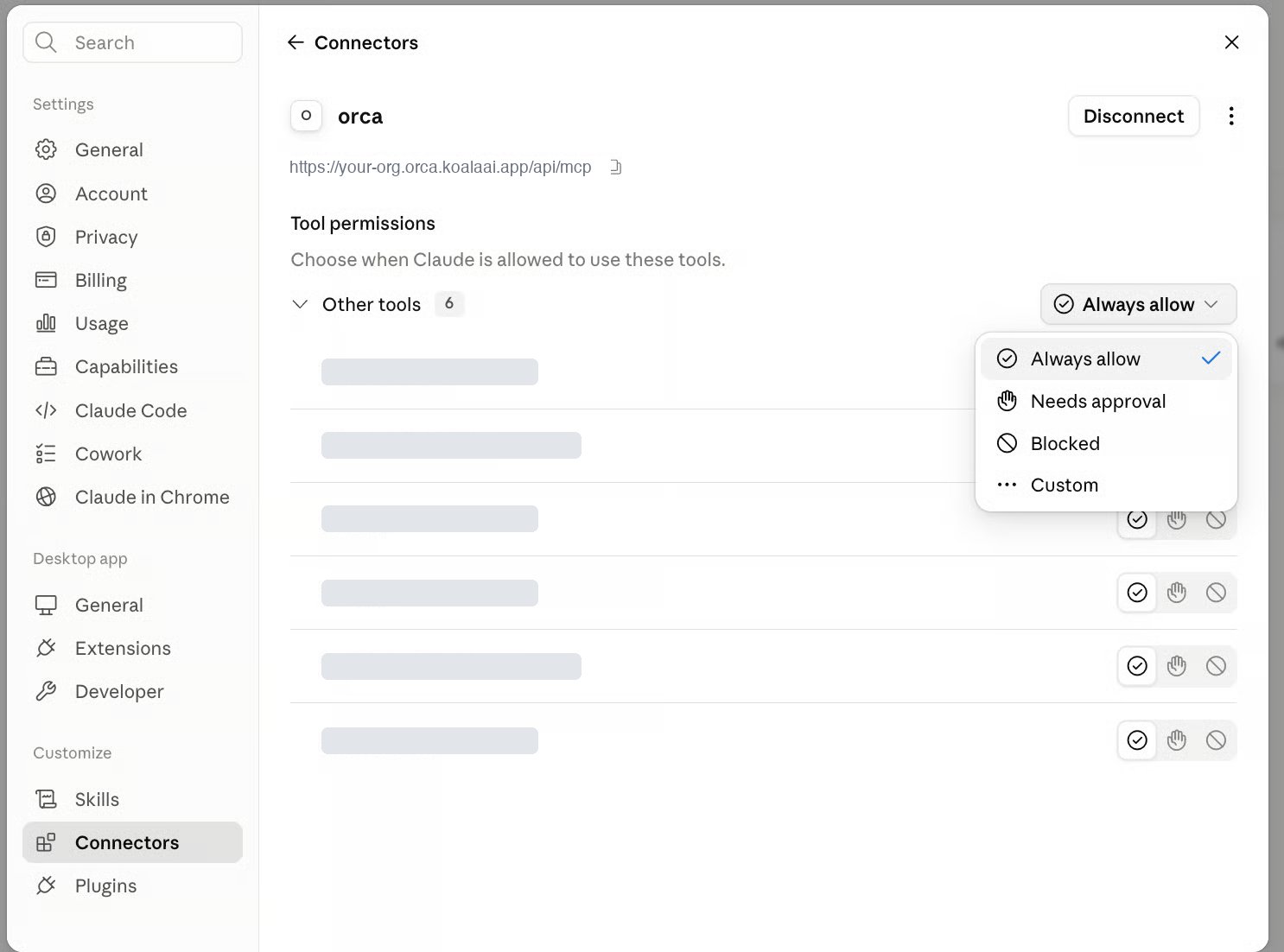
Claude Code (CLI)
Same flow — add the server once, then Claude Code opens your browser for the identical sign-in and consent. Run/mcp to trigger or inspect auth.
How access stays governed
- You sign in to ORCA and approve which Oracle connection Claude may use.
- Claude receives a short-lived, scoped token — your Oracle credentials never leave ORCA.
- Every request runs within your own Oracle security, exactly as it does inside the app. Governed REST is the default path; SQL, if enabled on the connection, still asks for consent and labels its answers.
Skills that keep getting better
The connector ships with skills — pre-built expert playbooks with pre-validated Oracle calls that a seasoned consultant would run. Claude reaches for the right one automatically when your question matches its shape.Fusion Security Posture
Role assignments, data access, security profiles, and AOR for a user.
Worker Scheduling
What shift someone works, schedules, rosters, and who’s on a given day.
Workforce Counts
Headcount and worker-type breakdowns.
We ship new skills continually — and they’re delivered to your connector automatically. Your ORCA connector gets smarter over time with nothing to install or configure on your side.
Build dashboards, not just answers
Because ORCA answers over MCP, any MCP client — an AI assistant that speaks the protocol, such as Claude Desktop or Claude Code — can do more than return a single answer. Ask it to chart the results, assemble a report, or stand up a live dashboard over your governed Oracle data, and it queries ORCA for the numbers and builds the view for you. The data stays within your own Oracle security the whole time.Turn a question into a dashboard
- “Build me a workforce dashboard: headcount by department and location, with month-over-month trend.”
- “Chart active workers by location, then lay it out as a report I can share.”
- “Track FBDI import processes for General Ledger and show their status at a glance.”
What you can ask
Plain-language questions across users, roles, security, HCM data, and analytics — a few to get started:Business users
- “Investigate the gender distribution across the company and chart it.”
- “Show me headcount by department, and flag any that grew more than 10% this year.”
- “How many active workers do we have by location? Put it in a bar chart.”
Implementers & consultants
- “Audit the data-access permissions and security profiles for a given user.”
- “Which roles grant access to payroll data, and how does row-level access resolve?”
- “List the FBDI import processes available for General Ledger.”
Support agents
- “Does user JSMITH exist, and what roles are assigned to them?”
- “Why can this user see that employee’s record — walk me through it.”
- “What shift is a given worker scheduled for this week?”